
The Seductive Trap of the "Free" Spreadsheet
When starting an optical practice, Microsoft Excel or Google Sheets feels like the obvious choice. It's pre-installed on your laptop, everyone knows how to type in a cell, and it costs zero incremental software fees. You create a sheet for Frame Inventory, another for Daily Sales, and a third for Customer Prescriptions.
For the first 50 customers, it seems manageable. But optical retail is not selling standard packaged goods. An optical transaction involves multiple variables: frame brand, model number, eye size, bridge width, temple length, color variant, lens brand, index, optical coating, SPH, CYL, AXIS, ADD, PD, lab dispatch, and payment balance.
Within six months, your Excel workbook becomes a bloated, fragile document with 20 columns, broken formula references, and zero real-time inventory truth. What looked like a "free" tool is quietly draining thousands of dollars in lost repeat sales, dead frame inventory, and costly lab remakes.
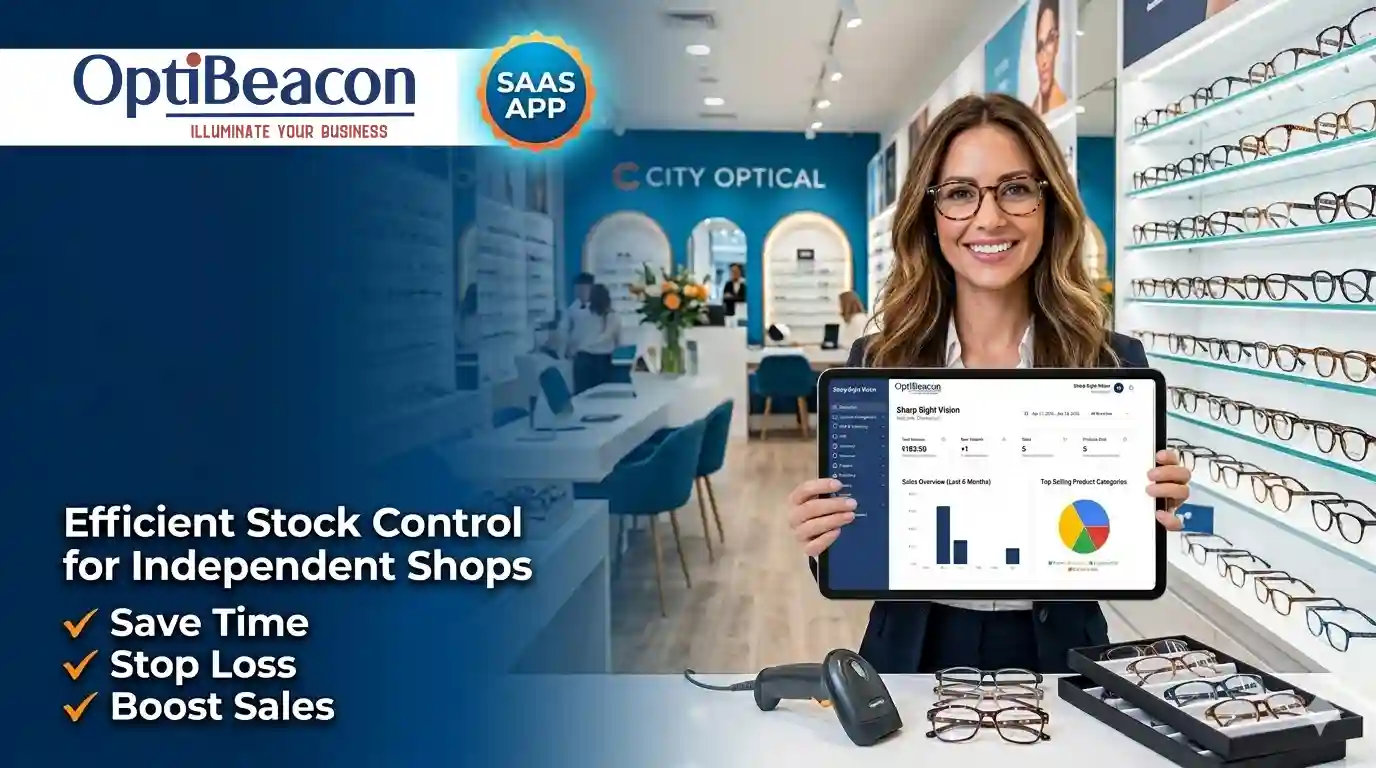
The 5 Hidden Costs of Running Your Optical Shop on Excel
1. "Ghost Inventory" and Dead Stock Accumulation
When an optician sells a pair of Ray-Ban frames on a busy Saturday, they must remember to open Excel, search for the SKU row, and manually reduce the count from 2 to 1. If staff get distracted with the next patient, the sheet is never updated. Weeks later, you order 5 more frames because your spreadsheet said you were low, while 3 units sit forgotten in a back display drawer. Industry benchmarks show stores using spreadsheets suffer from an average of 18% to 24% dead or phantom stock.
2. The Cost of Prescription Transcription Errors
Excel has no validation logic for optical parameters. A tired staff member can easily type a minus sign instead of a plus sign (-1.50 instead of +1.50), or type 90 degrees instead of 09 for axis. When the lens returns from the surfacing lab, the customer can't see properly. You bear the cost of the discarded lenses, lab re-edging charges, and worse—a damaged clinic reputation. Optical industry surveys demonstrate that manual data retyping accounts for over 22% of all avoidable lab remakes.
3. Lost Patient Recalls (The Invisible Revenue Killer)
Eyecare is a recurring relationship business. Every customer who purchased progressive lenses or contact lenses 12 months ago represents an imminent repeat sale. Spreadsheets cannot automatically ping a patient via WhatsApp with: "Hi Priya, it has been 12 months since your last vision check at OptiBeacon Vision. Click here to reserve your annual eye exam." Without automated recalls, up to 65% of your past patients drift to local competitors simply because you never reached out.
4. Accidental Data Overwrites and Zero Audit Trail
Who edited cell J42? Did someone accidentally delete three customer rows? With Excel, there is no granular role-based security. A new sales trainee can accidentally overwrite patient contact history, delete purchase invoices, or copy your entire customer database to a USB thumb drive. A true cloud optical POS provides role-based permissions, protecting patient privacy and confidential clinic financials.
5. No Automated GST and Multi-Branch Syncing
When opening a second branch or counter, Excel completely collapses. You are forced to email copies back and forth (Inventory_final_v2_edit.xlsx), resulting in duplicate invoices and reconciling nightmares during tax season. A modern POS synchronizes all sales, stock transfers, and GST invoices across branches in real time.
Feature Comparison: Optical Digital POS vs. Excel Spreadsheets
| Capability | Excel / Google Sheets | OptiBeacon Digital POS |
|---|---|---|
| Prescription Capture | Manual typing, high error rate | AI Rx OCR from photo + instant validation |
| Stock Updates | Manual cell editing, frequent mismatches | Automatic barcode decrement upon invoice creation |
| Lab Job Tracking | Separate paper slips or text notes | One-click digital lab order generation & status tracking |
| Customer CRM & Recalls | Zero automated reminders | Automated WhatsApp order notifications & annual recalls |
| Tax & GST Compliance | Manual tax formulas, error-prone | Auto HSN codes (9001, 9003) & 1-click GSTR reports |
| Multi-Store Sync | Impossible without conflicting versions | Real-time cloud database across all branches |
The Financial Math: What Is Excel Really Costing You?
Let's look at the actual monthly economics of a typical single-store optical dispensary:
- 2 Avoided Lab Remakes: Saves ₹3,000–₹5,000 in ruined lenses and courier costs.
- 5 Retained Annual Recall Customers: Generates ₹15,000–₹25,000 in repeat spectacles and contact lens purchases.
- Eliminated Dead Stock Write-Downs: Prevents ₹10,000–₹20,000 in unsellable aged frames.
- 15 Hours of Admin Time Saved: Frees your optometrist to conduct 20 additional eye consultations.
Switching from spreadsheets to a dedicated optical POS doesn't cost you money—it actively puts ₹30,000 to ₹50,000+ back into your monthly operating profit.
Upgrade from Excel with Zero Data Loss
You don't need to retype your inventory. Export your existing Excel sheet, upload it to OptiBeacon, and start billing in under 15 minutes.
Start Your Free Trial Today →Frequently Asked Questions
How difficult is it to migrate my existing Excel customer list?
It is simple and takes just a few clicks. OptiBeacon provides built-in CSV and Excel upload templates. Our customer success team also assists in mapping columns so your patient prescriptions and phone numbers import seamlessly.
Will my sales staff require extensive technical training?
Not at all. OptiBeacon is designed specifically for store floor sales associates with touch-friendly counters, barcode scanner integration, and quick-search patient lookups that anyone can learn in under 20 minutes.